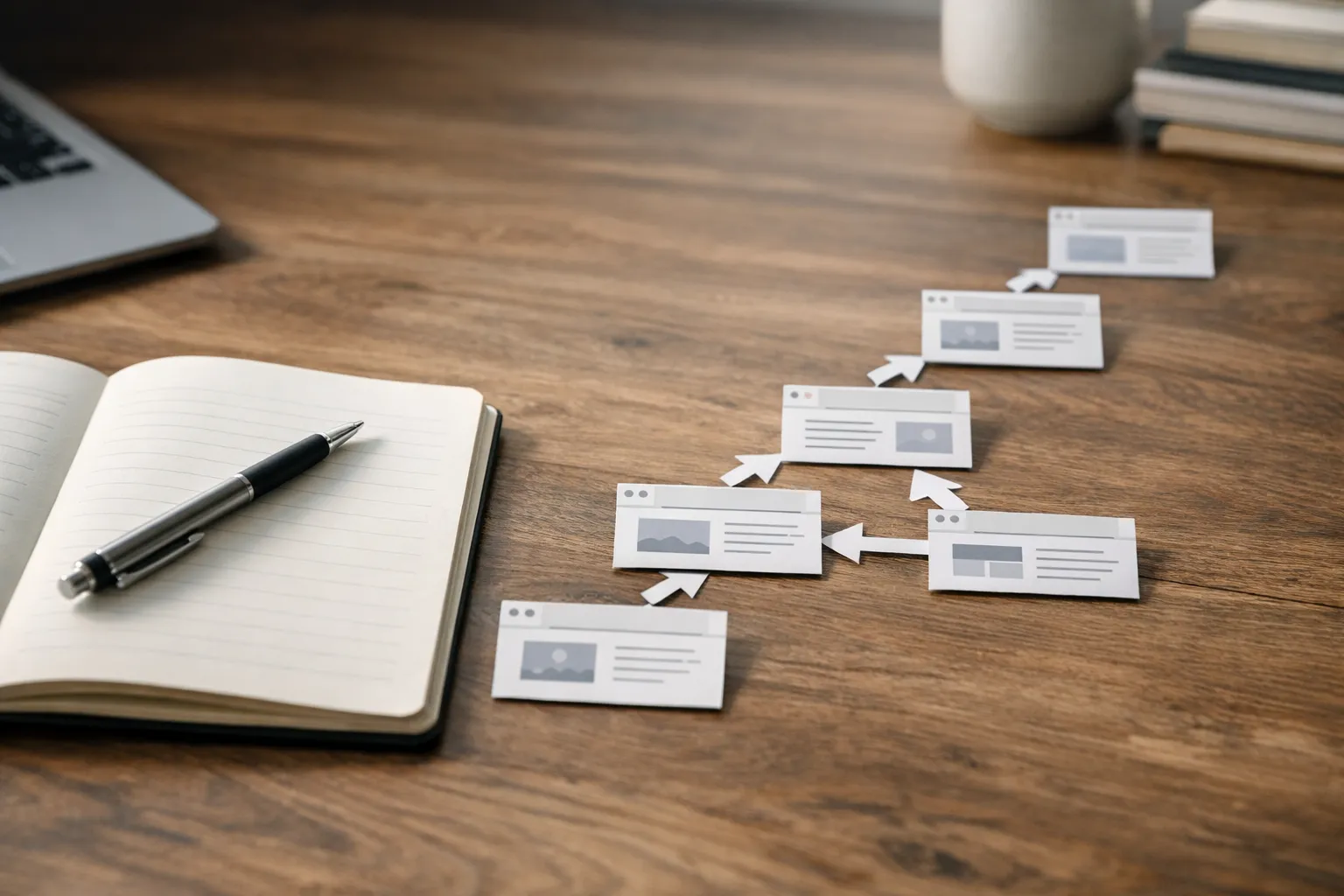
If you’ve ever watched someone land on your site, click once, then vanish… you already know the feeling. You built good pages. You wrote solid copy. You even hit “publish” with a little hope in your chest.
But something’s missing: a clear path.
That’s where internal linking comes in. Done well, it’s not a technical chore-it’s the way you guide real humans (and search engines) from “interesting” to “exactly what I needed.” And if you’re wondering, “Is this really worth my time?” ask yourself a simpler question: how often do you leave a website because you can’t quickly find the next step?
What Internal Linking Really Means (Without the Jargon)
Internal linking is simply the practice of linking from one page on your website to another page on the same website. That’s it.
But the impact is bigger than the definition. These links help:
- People discover related content without having to hunt for it.
- Search engines understand which pages matter most.
- Important pages receive more attention (and often perform better) because they’re easier to reach.
Think of your website like a bookstore. Your homepage is the front door. Your best category pages are the clearly marked aisles. And your contextual internal links-the ones placed inside your content-are the staff member who says, “If you like this, you should definitely check out that section over there.”
Why This Matters More Than You Think
A site can look polished and still feel confusing.
When visitors don’t know where to go next, they don’t “browse.” They bail. When search engines can’t easily crawl a section of your site, those pages can sit in the dark-published, but effectively invisible.
A thoughtful internal link structure fixes both problems by creating intentional routes through your content.
Here’s a quick, real-world example.
Imagine you run a small ecommerce shop selling espresso gear. You publish a helpful guide: “How to Dial In Your Grinder.” It gets traction. People love it. But the page doesn’t link to your grinder product category, your burr comparison article, or your cleaning kit page.
So readers finish the guide…and you’ve basically said, “Good luck from here.”
With smart cross-page linking, you can turn that same guide into a gentle, useful journey: learn → compare → choose → buy.
The Two Types of Links People Actually Notice
Not all links feel the same to readers.
Navigational links (menus, headers, footers) are expected. People use them when they already know what they want.
Contextual internal links are different. They appear in the flow of a paragraph, right when someone’s curiosity is already activated. They’re the “next best step” links.
If you’ve ever read an article and thought, “Oh wow, I didn’t even know I needed that,” and clicked-chances are, a well-placed internal hyperlinking choice did its job.

A Practical Way to Think About Site Link Architecture
One of the most useful mental models is hub-and-spoke linking (also called topic cluster linking).
- The hub page covers a topic broadly (like “Email Marketing Basics”).
- The spokes go deep (like “Welcome Email Examples,” “Segmentation Strategies,” “Subject Line Testing,” etc.).
The hub links out to each spoke. The spokes link back to the hub, and often to each other when it genuinely helps the reader.
This isn’t about stuffing links everywhere. It’s about building a site link architecture that mirrors how people learn: start broad, then narrow down. If you want a deeper walkthrough of mapping this kind of structure, see how to build topical authority over time.
Now ask yourself: if someone lands on one of your “spoke” articles first (and they often do), can they quickly find the “hub” that ties it all together?
A Quick Comparison: Which Links Do What?
Here’s a simple breakdown to make decisions faster.
| Link type | Where it shows up | What it’s best for | Common mistake |
|---|---|---|---|
| Navigation links | Menus, header, footer | Helping people move around when they’re oriented | Cramming every page into the menu |
| Contextual internal links | Inside body content | Guiding the next step at the exact moment it’s useful | Linking because you “should,” not because it helps |
| Sitewide links | Repeated across many pages | Reinforcing core pages (contact, pricing, categories) | Overdoing it and creating noise |
| Cross-linking between related posts | Between articles in the same topic | Building depth and discovery | Linking unrelated pages just to add links |
How to Add Internal Links Without Making Your Content Feel “SEO-ish”
If you’ve ever read a post where every other sentence is a link, you know the vibe: desperate, noisy, hard to trust.
Good in-site linking feels natural because it follows attention.
Here’s a workflow that keeps you honest:
-
Write the section first. Don’t interrupt your train of thought to force a link.
-
Re-read and spot “open loops.” Anytime you reference a concept you’ve covered elsewhere (“We break that down in our pricing guide”), that’s a natural place for a link.
-
Link to the page that truly helps. Not the page you want to rank. The page the reader wants next.
-
Use anchor text that sounds like a human wrote it. If the link is to a comparison, say “compare options” or “see a side-by-side,” not “best comparison options 2026 ultimate.”
And yes, internal linking can support SEO. But the best way to get it right is to prioritize clarity and usefulness-and treat your content plan like an ecosystem, not a publishing treadmill (this AI SEO strategy frames it well). The SEO benefits tend to follow.
The Anchor Text Question Everyone Overthinks
Let’s make this simpler.
Anchor text is the clickable words in a link. People worry it needs to be perfectly optimized. In reality, it needs to be understandable.
Instead of:
“Click here.”
Try:
“See the step-by-step onboarding checklist.”
It tells readers what they’ll get, and it signals to search engines what the linked page is about-without sounding robotic.
One more tip: vary your phrasing. Repeating the exact same anchor text every time can feel unnatural, and it’s rarely necessary.
The Most Common Internal Linking Mistakes (And How to Fix Them)
Most sites don’t have a “bad” strategy. They have an unfinished one.
Here are the issues I see constantly:
1) Orphan pages. Pages that exist but have no links pointing to them. They’re hard to find, easy to ignore, and often underperform.
Fix: Find the most relevant high-traffic pages and add a few contextual internal links to the orphan page where it genuinely fits.
2) Linking only from new content. Publishing fresh posts is great, but older pages often have authority and traffic.
Fix: When you publish something new, go back and add 2-5 internal links from older, related pages. This is one of the highest-leverage habits you can build.
3) Overloading the footer as a catch-all. A footer packed with 80 links rarely helps readers. It’s a junk drawer.
Fix: Keep navigational links clean. Use the body content for intentional cross-linking.
4) “Related posts” that aren’t actually related. If your “related” section is just your three newest posts, it’s not helping anyone.
Fix: Curate by topic. Even a small manual set of links can outperform an automatic widget.
A Mini Story: The Day a Small Change Made the Site Feel Bigger
A SaaS client once told me, “We’ve got plenty of articles, but it doesn’t feel like a library. It feels like a pile.”
We didn’t rewrite everything. We didn’t redesign the site. We simply mapped out three topic clusters, created one hub page for each, and added internal linking between the hubs and their supporting articles.
Two weeks later, support tickets dropped for basic questions because customers were finding answers on their own. Session depth improved. More importantly, people started describing the documentation as “easy.”
That’s the quiet magic of a good internal link structure: it changes how your site feels.
How Many Internal Links Should a Page Have?
There’s no universal number that works for every page. A short product page might need only a handful. A long guide might naturally include more.
Instead, use this gut-check:
- After someone finishes this section, what are they likely to wonder next?
- Do we have a page that answers that?
- Can we point them there without interrupting the flow?
If the answer is yes, add the link.
If you’re forcing it, skip it.
And if you’re still unsure, ask one more question: would this link be helpful even if search engines didn’t exist?
A Simple Checklist You Can Use Today
Use this as a practical sweep the next time you update a post:
- Make sure the page links to at least one relevant “next step” resource.
- Add a link to a hub page if the topic belongs to a cluster.
- Check that important pages are reachable within a few clicks from high-traffic content.
- Replace vague anchors (“here,” “this”) with descriptive phrases.
- Scan for orphan pages and connect them with contextual internal links.
A Quick Note on Tools (So You Don’t Get Stuck)
You can do a lot with simple methods: a spreadsheet, your CMS search bar, and a willingness to revisit older content.
If your site is large, a crawler tool can help you spot orphan pages, identify deep pages that sit too many clicks away, and evaluate your intra-site linking patterns-especially now that visibility can show up as citations and summaries as much as clicks (more on that in AI search results SEO).
But tools won’t make the decisions for you. You still have to choose which pages deserve attention and which links make sense for a human reader.
“A good link is a promise: ‘This will help you.’ If the next page doesn’t keep that promise, the link wasn’t worth adding.”
Bringing It All Together
Internal linking isn’t busywork. It’s hospitality.
It’s you anticipating what someone needs, then making it effortless to get there. It’s also how you signal which pages matter, how topics connect, and where the real depth of your site lives.
If you want one place to start: pick your top 5 pages by traffic, and add 2-3 thoughtful internal links from each to relevant, under-visited pages. Then watch how the experience changes.
Because when your site stops feeling like a pile and starts feeling like a path, people don’t just visit-they stay.