If you’ve ever posted a great video and then watched it... quietly disappear into the YouTube void, you’re not alone. The fix usually isn’t “make another video.” It’s building a path that helps people keep moving with you. That’s where YouTube linking comes in.
Done well, it doesn’t feel pushy or salesy. It feels helpful-like you’re saying, "If you want the next step, I’ve got you." And the best part? You don’t need a giant channel or a massive blog to make it work.
So what does "good" look like in real life? It looks like a viewer finishing your video, clicking a link to a related post, grabbing a checklist or template, and then coming back later for the next video in the series. Sounds simple-because it is. The trick is doing it consistently.
What YouTube Linking Actually Means (and Why It Works)
YouTube linking is the practice of connecting your videos, your channel, and your website content so your audience always has a natural "next click" Sometimes that click stays on YouTube (to another video or playlist). Sometimes it leaves YouTube (to a blog post, tool, product page, or newsletter signup). The point isn’t to “drive traffic.” The point is to reduce friction.
Think about how people learn online. They bounce between formats. They watch a quick tutorial, then they want written steps. Or they read a guide and realize they need a demo. YouTube linking helps you meet them in that moment.
And yes, there’s an SEO angle here too. When you connect YouTube and blog content thoughtfully, you’re creating a web of relevance that makes it easier for both humans and search engines to understand what you’re about.
Start With The End In Mind: The Viewer Journey
Before you drop links everywhere, ask one question: what’s the “after” you want?
Do you want viewers to:
- read a deeper walkthrough on your site?
- download a resource?
- watch the next part of a series?
- join your email list so you can reach them again?
If you don’t decide, your links will feel random. If you do decide, YouTube linking starts to feel like a guided experience.
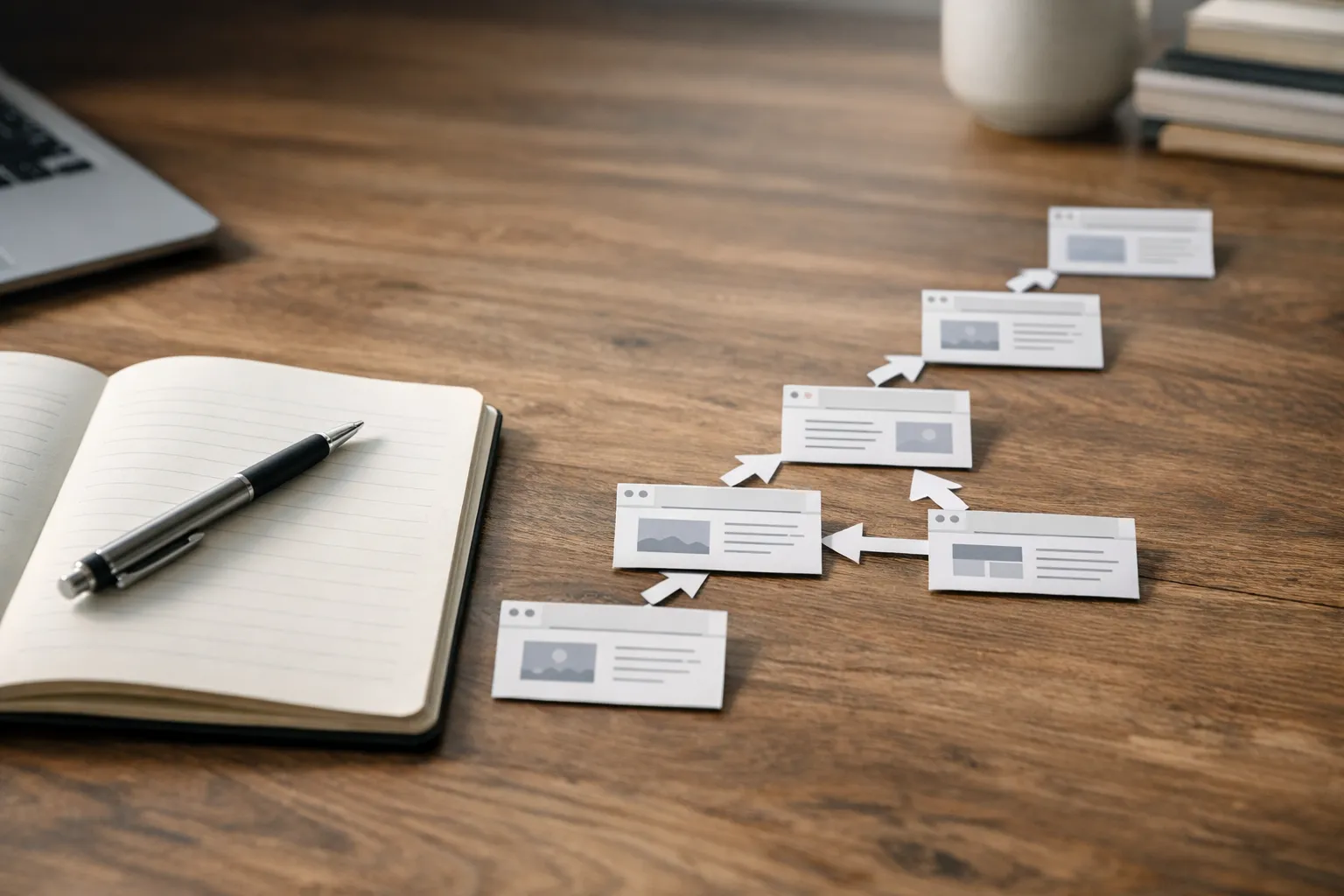
Here’s a simple way to map it: one video should lead to one clear next step. Not five. Not a “link dump.” Just one strong recommendation that matches what the viewer is already trying to do.
Ever clicked a YouTube description and felt overwhelmed by twenty different options? Exactly. We’re aiming for the opposite.
YouTube Linking From Videos To Your Blog
When you’re linking out from YouTube to your site, placement matters as much as the URL.
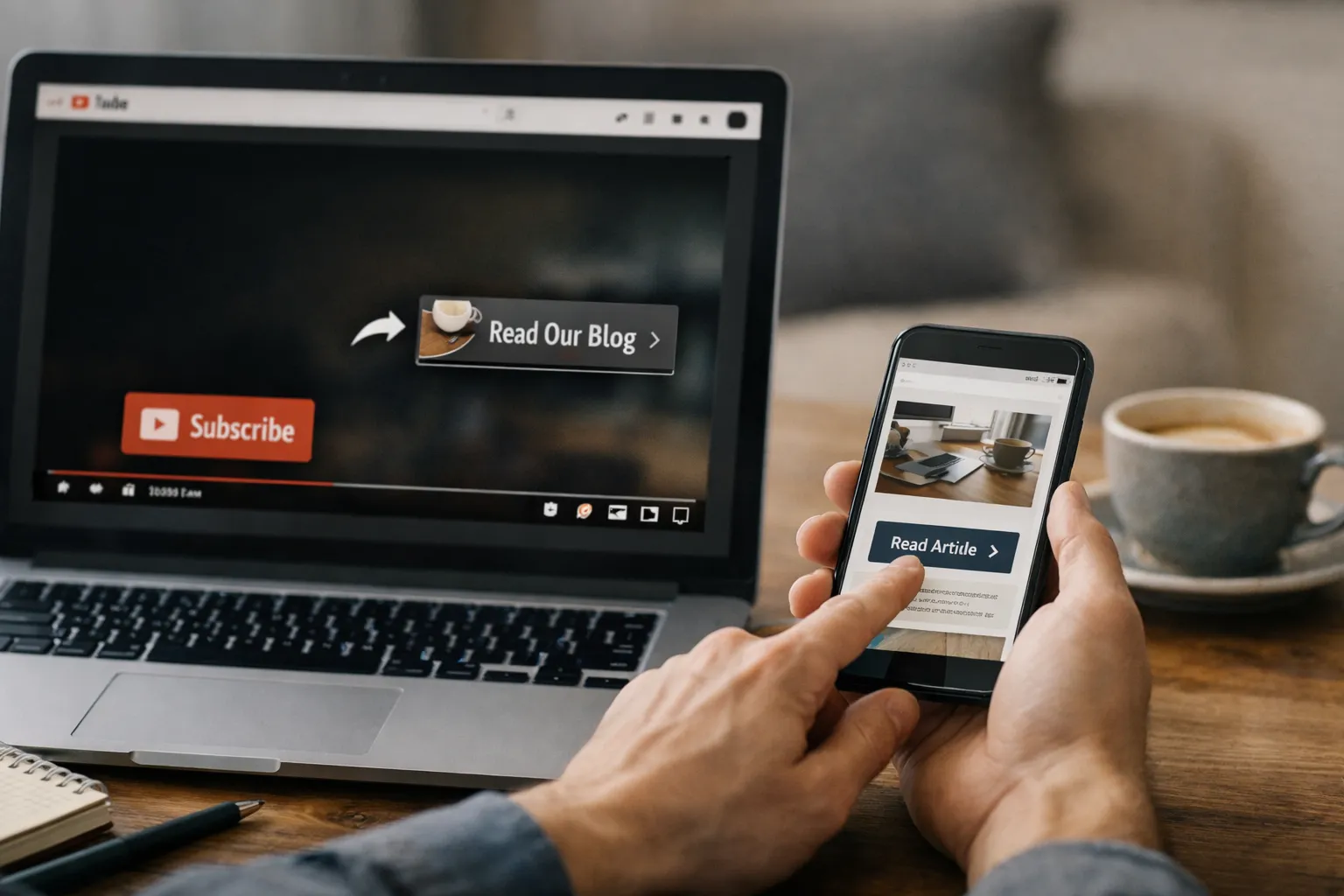
Start with your video description. Put the most important link near the top-above the “Show more” cutoff-so it doesn’t get buried. Use plain language that matches the promise of the video. For example: “Want the step-by-step checklist? It’s here: …” beats “My website: …” every time.
Next, consider a pinned comment. This is especially useful if you update offers or swap out links later-pinning is easy to change without editing the entire description. Just make sure the pinned comment doesn’t contradict the description.
Then you’ve got YouTube-native features: cards and end screens. These keep people on YouTube, which can be helpful if your immediate goal is session time and binge-watching. But they can also support your site traffic by moving viewers to a “bridge” video-one that’s designed to hand them off to your blog post naturally.
A quick reality check: some viewers won’t click away mid-watch. That’s normal. You can still make YouTube linking work by timing your call-to-action near the moment they’re most likely to act-often right after you’ve solved the main problem.
“The best links don’t feel like marketing. They feel like the obvious next step you were going to take anyway.”
If you’re wondering, “Should I say the link out loud?” - yes. A surprising number of people listen while multitasking and never read the description unless you tell them there’s something worth grabbing.
In general, you should place great emphasis on a perfect YouTube description. A good opening, the right keywords, and further links are essential. You can find more tips on video descriptions on Google.
YouTube-to-Blog Linking From Your Blog To YouTube
This is the side people forget, and it’s where the compounding effect happens.
If your blog post is ranking (or even just getting steady traffic), it’s a perfect place to embed a relevant video. Not a random channel trailer-something that genuinely expands the page. That’s how you make embed YouTube on website choices feel natural: the video becomes part of the lesson, not decoration.
When you link from a post to a video, you’re doing two things at once:
-
giving readers another way to understand the topic (especially useful for visual or tactical steps)
-
signaling to YouTube that your video has external interest and context
This kind of YouTube cross-linking also builds trust. A reader thinks, “Oh, they have a video on this too.” Suddenly you feel more established-even if you’re a small creator.
Embeds vs. plain links: when to use each
Use an embed when the video adds immediate value on the page (a demo, walkthrough, or visual explanation). Use a plain link when the video is optional or would distract from the core reading flow.
One practical example: if you have a long tutorial post, embed one video near the top as an overview, then use plain links deeper in the post for “watch this part if you’re stuck.” That keeps the page readable while still supporting YouTube linking.
A Simple Cross-Linking Framework You Can Repeat
If you want something you can do every week without overthinking, use this loop:
- Publish one video focused on a single problem.
- Publish one blog post that expands the same topic with steps, screenshots, and references.
- Add one primary link from the video to the post (description + mention).
- Add the video embed into the post with a short intro sentence.
- Point the post to one “next” video or playlist for people who want to keep learning.
That’s it. This “interlink YouTube and blog posts” rhythm works because it respects how people actually consume content. It also gives you more chances to be discovered: YouTube search, Google search, suggested videos, and internal site navigation.
And if you’re thinking, “Do I really need both formats?”-you don’t. But if you already have both, YouTube linking turns them into a system instead of two separate projects.
Measuring If Your YouTube Linking Is Paying Off
You don’t need fancy attribution software to tell if your links are doing their job. You just need a few checkpoints.
Here’s a simple way to track performance without drowning in data:
| What to check | Where to find it | What it tells you |
|---|---|---|
| Link clicks | YouTube Analytics (Advanced mode) or tracked URLs | Whether your call-to-action is compelling |
| Audience retention near the CTA | YouTube Analytics → Engagement | If people are still watching when you ask them to click |
| Traffic from YouTube | Google Analytics / your site analytics | If YouTube-to-blog linking is bringing the right visitors |
| Time on page (blog) | Site analytics | If the post matches what the video promised |
| Next video views from embeds/links | YouTube Analytics + on-page behavior | Whether blog-to-YouTube linking is keeping people in your world |
If clicks are low, don’t immediately blame the audience. Often it’s the offer or the wording. Are you linking to something that actually solves the next problem? Are you making the benefit clear? Are you asking at the right moment?
Common Mistakes That Break The Loop
You can do a lot right and still undercut yourself with a few easy-to-miss mistakes:
- Sending people to a generic homepage instead of the exact resource they want.
- Stuffing the description with too many competing links.
- Saying “link in the description” but never explaining why they should care.
- Embedding an unrelated video “because it’s there,” not because it helps.
- Forgetting to update old links when pages move or offers change.
The goal of YouTube linking isn’t volume. It’s clarity. Every link should earn its spot.
Example: A Realistic Mini Workflow (15 Minutes)
Let’s say you publish a video called “How to Fix Blurry Screen Recordings.” In the video, you walk through settings and show a before/after.
Now you write a blog post that includes:
- the same steps, but written cleanly
- screenshots of the settings menus
- a short troubleshooting section for different devices
In your YouTube description, you add one primary link: “Full settings checklist + screenshots: [your post].” You pin the same link in a comment.
On the blog post, you embed the video near the top: “Prefer to watch it first? Here’s the quick walkthrough.” Then, at the end of the post, you add a single link to your next related video-maybe “Best Export Settings for YouTube.”
That’s YouTube linking functioning like a friendly guide: watch → read → watch. No hard sell. Just momentum.
Closing Thoughts: Keep It Useful, Keep It Natural
If you only take one thing from this: treat your links like recommendations you’d make to a friend. Would you tell them to “check out my homepage,” or would you send them the exact page that solves their problem?
When YouTube linking is done with that mindset, it stops feeling like a tactic and starts feeling like good hosting. You’re not trying to trap people-you’re helping them keep going. If you want to apply the same idea on your site, this guide on internal linking that turns pages into a path will help.
So, what’s the next step you want your viewer to take after your next upload? And is your link making that step effortless?